Wardrobe Selection and Preview
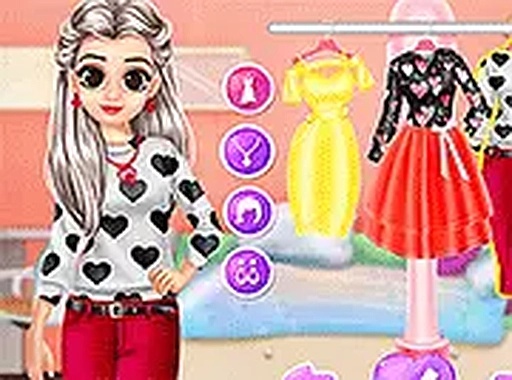
Players start by browsing a wardrobe of gowns in different cuts and colors. Choices include full-length formal dresses and shorter, playful styles. Each gown can be previewed on the character before you commit, so you can compare silhouettes and color combinations without penalty. The selection process encourages trying different looks rather than aiming for a single correct answer.
Card Decoration and Personalization
Once an outfit is chosen, the focus shifts to designing a greeting card. You place decorative hearts, sparkling accents, and festive stickers onto a blank template. The interface allows free positioning, so layouts and messages can be arranged however you like. This step adds a personal, non-competitive layer that connects the dress-up choices to a finished keepsake.
Accessory Coordination and Feedback
The final step involves picking complementary items such as jewelry, footwear, and hairpieces. Each accessory changes the character's overall look, and the game provides immediate visual feedback. You can mix and match to achieve different styles, seeing how each addition affects the ensemble. This makes the coordination phase a practical exercise in visual balance rather than a guessing game.
Accessibility and Atmosphere
Heartfelt Gown Designer runs entirely in a web browser without installation. It responds to both mouse clicks and touch taps, so it works on desktop computers, tablets, and smartphones. Full-screen mode offers a closer view of details. The Valentine's Day theme uses soft color palettes and gentle animations. There are no timers, scores, or competitive elements, which keeps the pace relaxed and the focus on personal expression.







Comments
0 comments